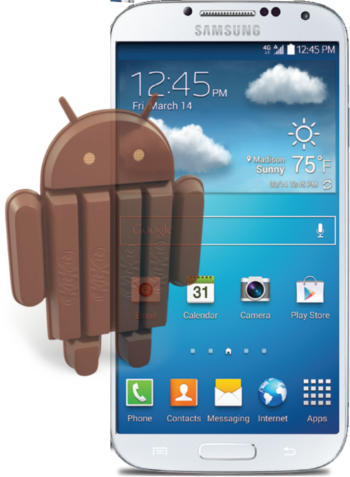
 Finally, Samsung Galaxy S4 KitKat update is available for more and more carriers. Now, let’s explore the top 12 new features and improvements in this Galaxy S4 KitKat update (4.4.2).
Because the system update need approval from individual carriers, you may wait a bit longer time than the others depending on the carrier, model, and region.
Galaxy S4 KitKat update: Samsung did it right this time
The Galaxy S4 KitKat update is more or less incremental in the user interface. Most users will just feel slightly new interface after getting this Galaxy S4 KitKat update.
This Galaxy S4 KitKat (4.4.2) update is far better than the S4 Jelly Bean 4.3 update, which is probably the worst Android update. As detailed in this post, there were so many problems in the S4 Jelly Bean 4.3 update.
So far, after trying the Galaxy S4 KitKat update, I’m quite happy with it.
1. Full screen music player on lock screen
The Samsung Galaxy S4 KitKat update brings the full-screen music player control to the lock screen. You can control your music player in the lock screen without unlocking the your Galaxy S4.
The good news is full screen music player on lock screen works for most music players, not just the stock Samsung music player or just Google Play music. Amazon MP3 player works as well.
2. Quick access to camera from lock screen
After getting the Galaxy S4 KitKat update, you will find the camera app shortcut in the lock screen. Essentially, you can snap pictures quicker.
This is a small, but very useful feature.
3. Change home screen easily
In Android KitKat 4.4, Google makes it easier to change launchers (of course, your home screen). Samsung did not crop this feature in this Galaxy S4 KitKat update.
Now after … Read the rest
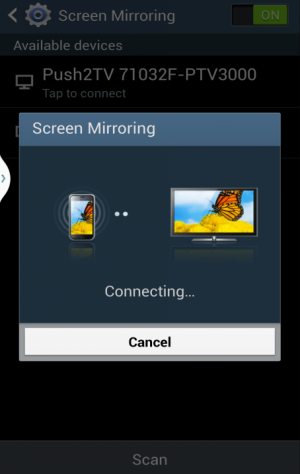 Update 1: Please do not confuse Galaxy S4 screen mirroring with
  It is estimated that about more than half of Galaxy S4 users now enjoy
  More and more users are getting the Android 4.3 (Jelly Bean 4.3 ) update for the Galaxy S4. You may wonder what the new features are, because there are almost no changes in the appearance.
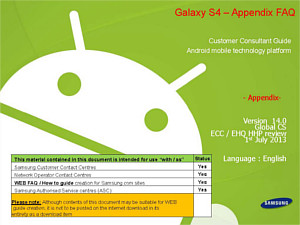 Update: Now you can read thsi Galaxy S4 FAQ guide (Galaxy S4 Customer Consultant Guide) directly in this post.